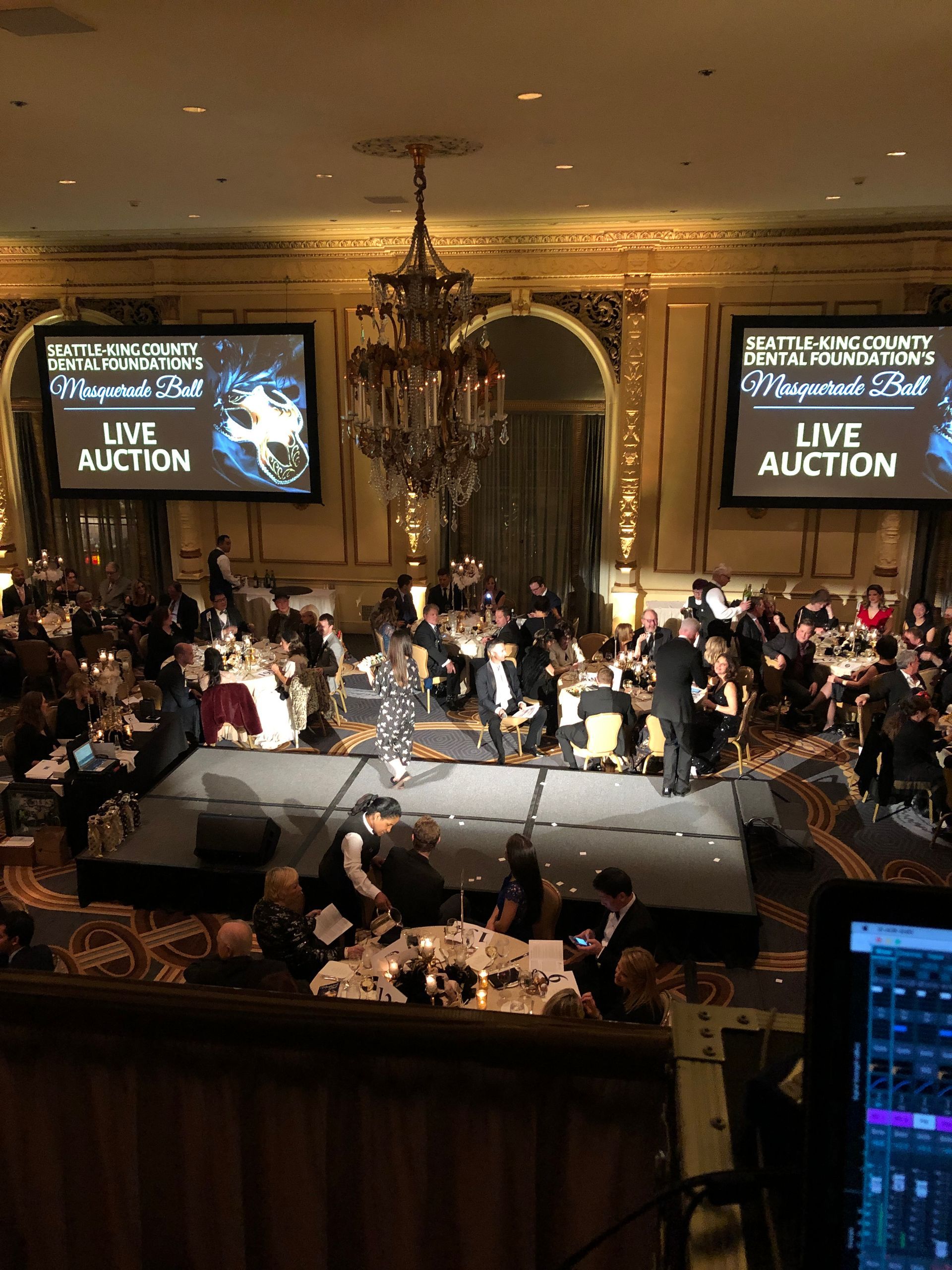
Seamless Sound: Making Your Town Hall Feel Professional
Town halls bring people together, but they also put every detail under a microscope. When the audio feels slightly off, it pulls attention away from the message and toward technical distractions. People notice when voices cut out, echo, or feel uneven across the room. When seamless sound supports every moment, it helps make your town hall feel professional and keeps listeners engaged.
Seamless Sound Sets the Tone
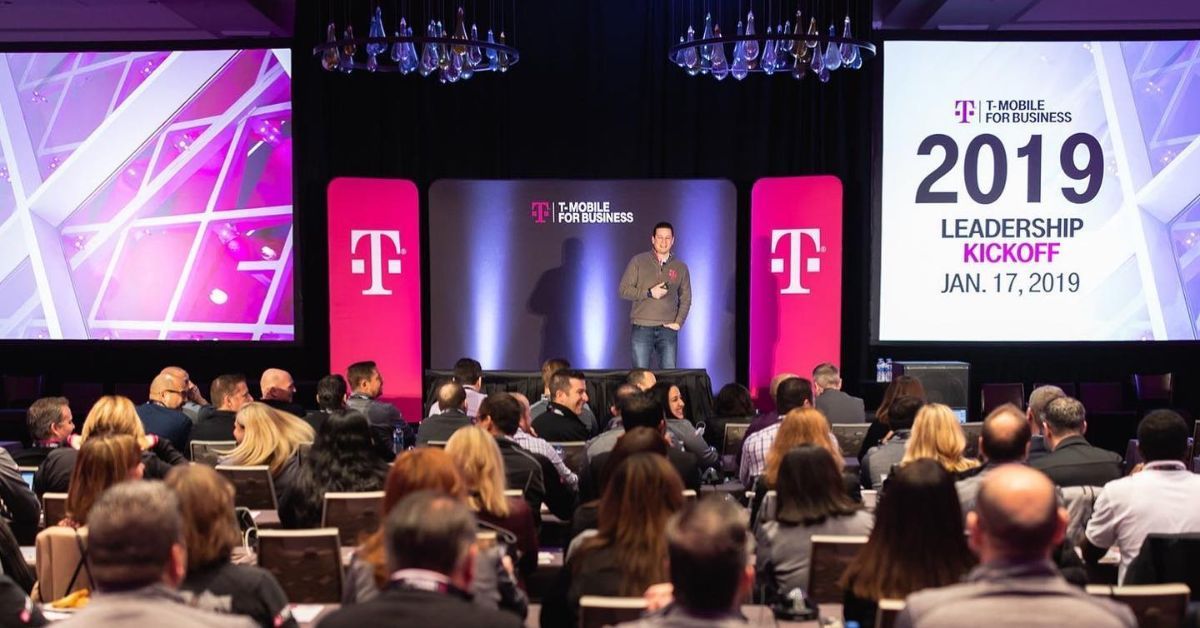
The first few minutes of a town hall shape how people experience the rest of the event. A town hall meeting may include updates, leadership strategies, key initiatives, and open Q&A sessions so everyone stays informed and aligned. As attendees settle in and the program begins, balanced audio sets the event up for success by making everything easy to follow.
On the other hand, rough or uneven sound can break that focus almost immediately. Feedback, inconsistent volume, or unclear speech creates unnecessary confusion from the beginning. High-quality live sound creates the first impression you want for your town hall.
Clear Audio Builds Credibility
Town hall speakers rely on audio to deliver their message clearly. When voices sound natural and consistent, the audience connects more easily with what is being said. That clarity reinforces credibility and authority.
Poor audio weakens even the strongest message. If volume shifts or words get lost, listeners may disengage. A steady, intelligible sound keeps attention locked in, which supports both the speaker and the content they deliver.
The Equipment Behind Great Sound
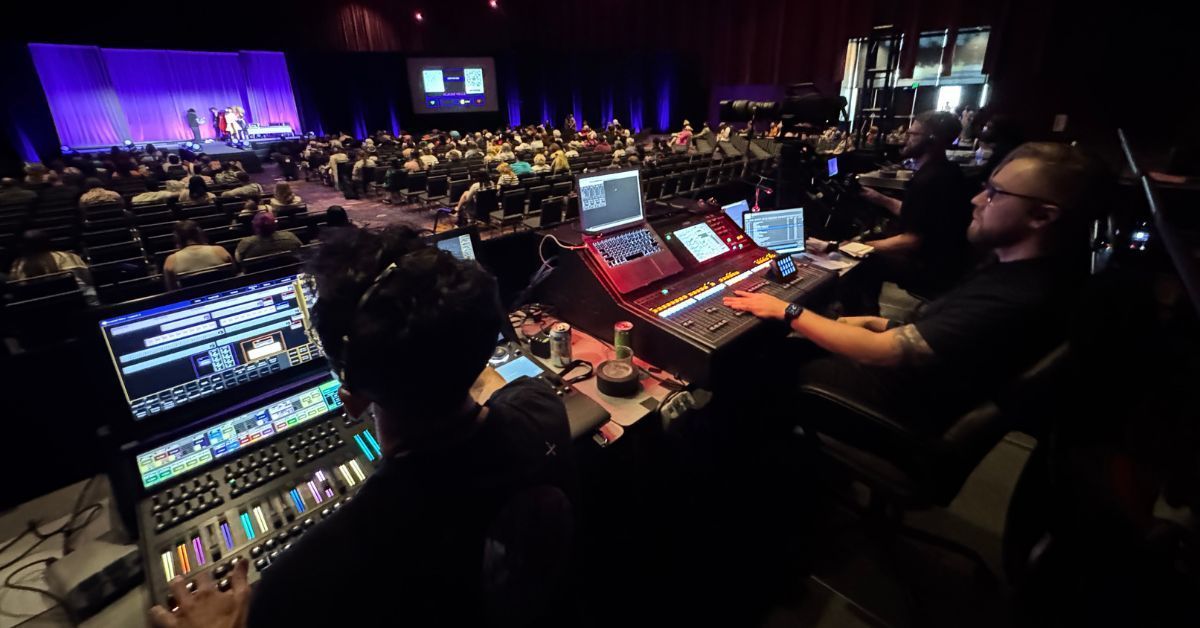
Professional results come from using the right tools in the right way. Each microphone, speaker, and mixer should match the event's format and flow.
The following elements typically contribute to a more polished audio setup:
- Wireless microphones suited to speaker movement.
- Even speaker coverage across the room.
- A mixer with clear control over levels.
- Backup signal paths for key audio sources.
- Monitoring tools for real-time adjustments.
When every component of live sound works together seamlessly, the town hall feels organized, intentional, and professional. The audience notices consistency, even if they do not think about the equipment itself.

Room Coverage Keeps Everyone Engaged
Have you ever been at an event where you struggled to hear, while people in other parts of the room could hear just fine? That uneven experience usually comes down to poor room coverage. When sound isn’t distributed properly, some seats get clear audio while others miss out.
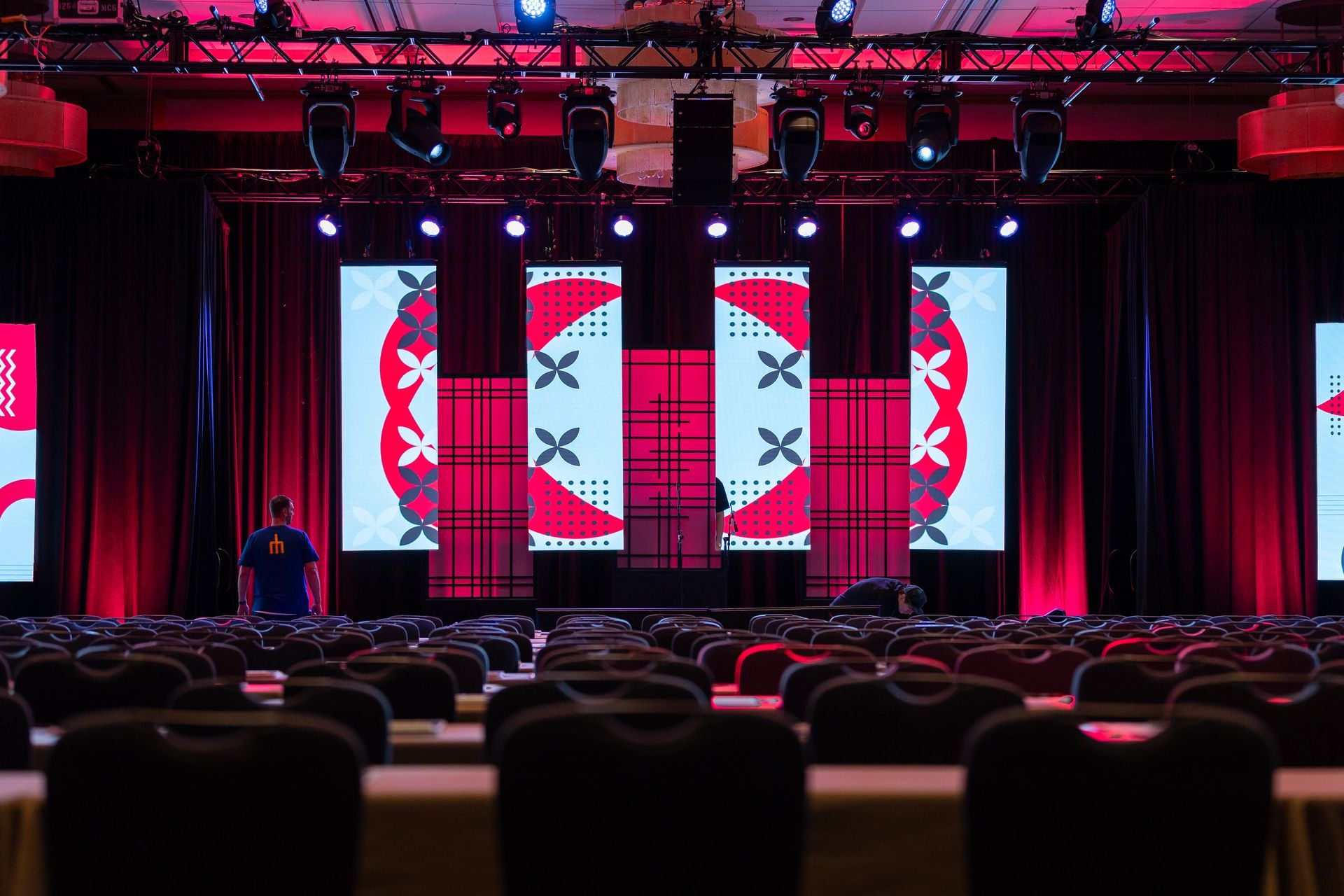
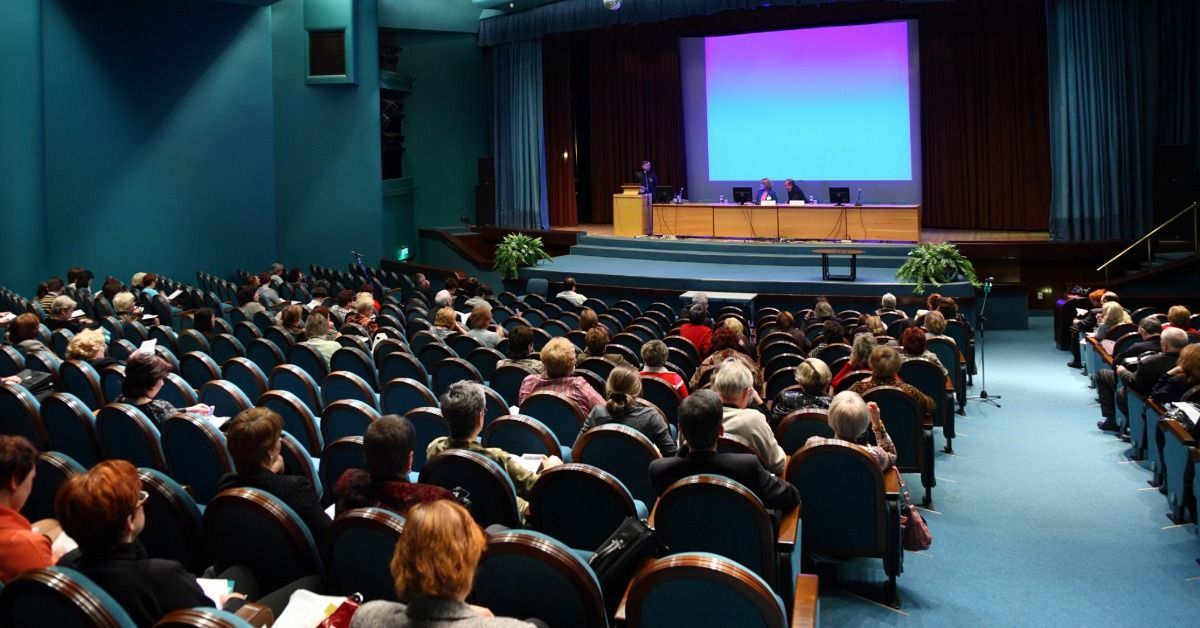
Coverage depends on factors like speaker placement, room size, ceiling height, seating layout, and the surfaces that reflect or absorb sound. When the audio setup is adjusted to fit the room’s conditions, people in the front, middle, and back can all hear the speaker clearly. A skilled team can adjust levels, speaker direction, and system tuning to fit the space and the flow of the event.
Speaker Placement Shapes Clarity
The locations of the sound system speakers directly affect how evenly audio reaches the audience. If they are too close together, some areas may sound too loud while others feel distant or unclear. Poor placement can also create overlapping sound waves that muddy speech. A skilled sound team positions speakers strategically and adjusts their angles to deliver consistent coverage throughout the room.
Room Surfaces Shape Sound
Hard surfaces like walls, floors, and ceilings reflect sound, which can cause echoes or make speech harder to understand. Softer materials like carpets and curtains absorb sound, which can reduce clarity. These elements change how sound travels and lingers in the space. Audio professionals account for this by tuning the system and adjusting microphone levels, speaker output levels, and EQ settings to reduce reflections and keep speech clear.
Ceiling Height Changes Coverage
Ceiling height influences how sound spreads and how much it reflects back into the room. High ceilings can cause sound to disperse too widely or bounce in ways that reduce clarity. Low ceilings may trap sound, creating a more direct but sometimes overwhelming listening experience. A sound team adapts to these conditions by adjusting speaker height, direction, and output to maintain even, controlled coverage.
Rehearsals Create a Smoother Experience
A rehearsal gives everyone time to prepare and adjust. During this time, the event’s speakers become familiar with microphones and staging, and the crew can fine-tune levels and transitions. This preparation reduces uncertainty during the live event.
The following rehearsal steps create a more polished delivery:
- Testing microphone levels for each speaker.
- Practicing transitions between presenters.
- Running playback cues for media elements.
- Checking audience Q&A flow.
- Confirming staging and movement patterns.

Real-Time Support Builds Presenter Confidence
A strong message does not land as well when audio problems keep getting in the way. If a speaker sounds too quiet, too loud, or difficult to understand, the audience must work harder just to follow along. That extra friction can disrupt the flow of the presentation and make important points easier to miss. Speakers may also lose confidence when they feel the room is not hearing them as it should.
Live sound teams help steady the experience so the message comes through clearly. They monitor the system throughout the event, adjust levels as needed, and respond quickly when something changes on stage. They also help prevent common issues like feedback, dead microphones, and uneven sound between speakers. That real-time support helps presenters stay composed and deliver their message more naturally.
Backup Planning Prevents Disruptions
Unexpected issues can happen during any live event. Strong planning includes backup options for key audio elements. Extra microphones, spare batteries, and alternate signal paths keep the event on track.
Preparation limits the impact of technical problems when they arise. If something goes wrong, a quick response keeps the event moving without a major interruption. In many cases, the audience never notices there was an issue at all.
Strong Audio Elevates Hybrid Events
Hybrid town halls connect in-person and remote audiences simultaneously, making them a practical choice for organizations with distributed teams, multiple offices, or off-site stakeholders. When hybrid events are run well, they expand reach and flexibility, allowing more people to stay informed and engage with initiatives.
The most common hybrid audio challenges usually include:
- In-room voices not translating clearly to the remote feed.
- Volume differences between presenters, videos, and audience questions.
- Delays or awkward transitions between live and virtual segments.
- Background noise that distracts remote participants.
- Multiple audio sources competing without clear control.
Seamless audio helps solve these problems by keeping every source balanced, clear, and easy to follow from start to finish. A skilled live sound team makes real-time adjustments as the event moves from one segment to the next. They can manage microphones, playback, audience questions, and virtual feeds so no one source overwhelms the others. Clear, steady sound across both in-person and virtual channels creates a more cohesive experience.
Your town hall is a chance to lead clearly, build trust, and create a stronger connection with your audience. When the audio works the way it should, you can stay focused on the message you need to deliver instead of worrying about what might go wrong. If you’re looking for a sound company in Seattle for your town hall, Audio Engineers Northwest can support your event. Your attendees will stay connected to every update, question, and key part of the conversation without issue.